Navigation Bar Options
The Navigation Bar is the area at the bottom of the screen containing Android's three navigation buttons: Back, Home and Recents.
Edge-to-Edge
Starting with Android 15 (API 35), the system enforces edge-to-edge by default. React Native Navigation supports this via a theme opt-in. See the Edge-to-Edge guide for setup instructions. Navigation bar options below work in both edge-to-edge and non-edge-to-edge modes.
An example of a dark navigation bar:
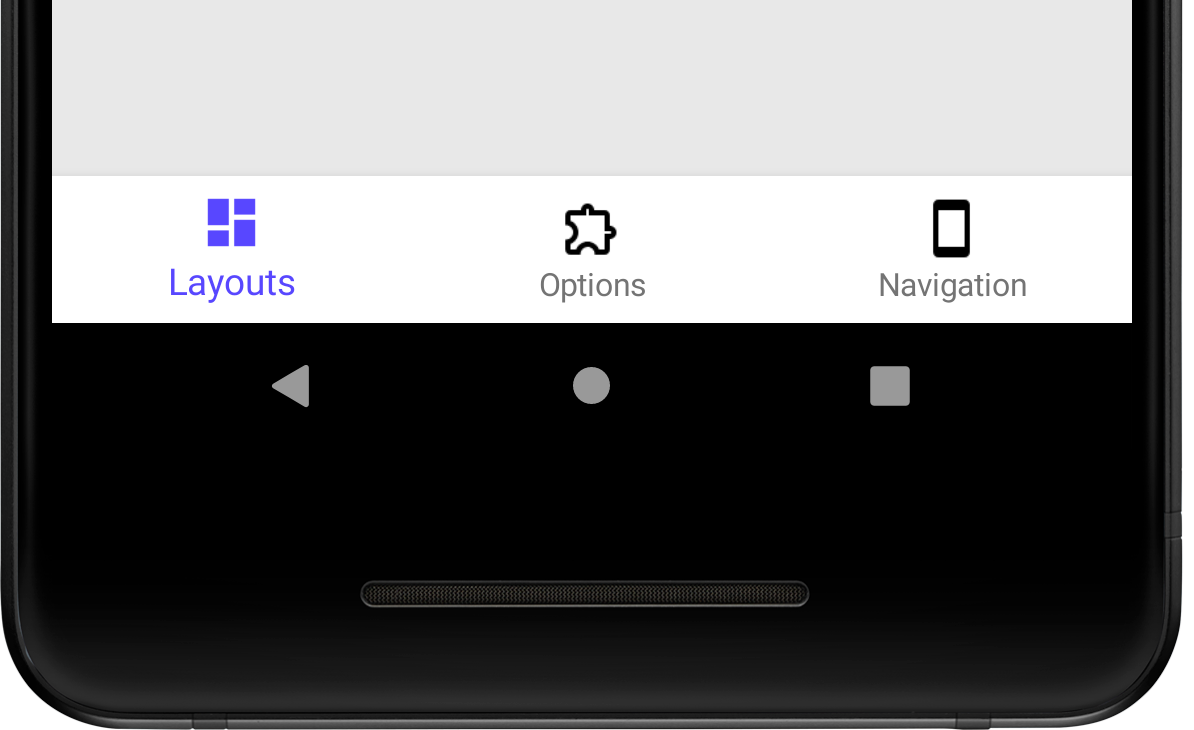
visible#
Set the navigation bar visibility.
| Type | Required | Platform |
|---|---|---|
| boolean | No | Android |
backgroundColor#
Set the navigation bar color. When a light background color is used, the color of the navigation bar icons will adapt to a dark color.
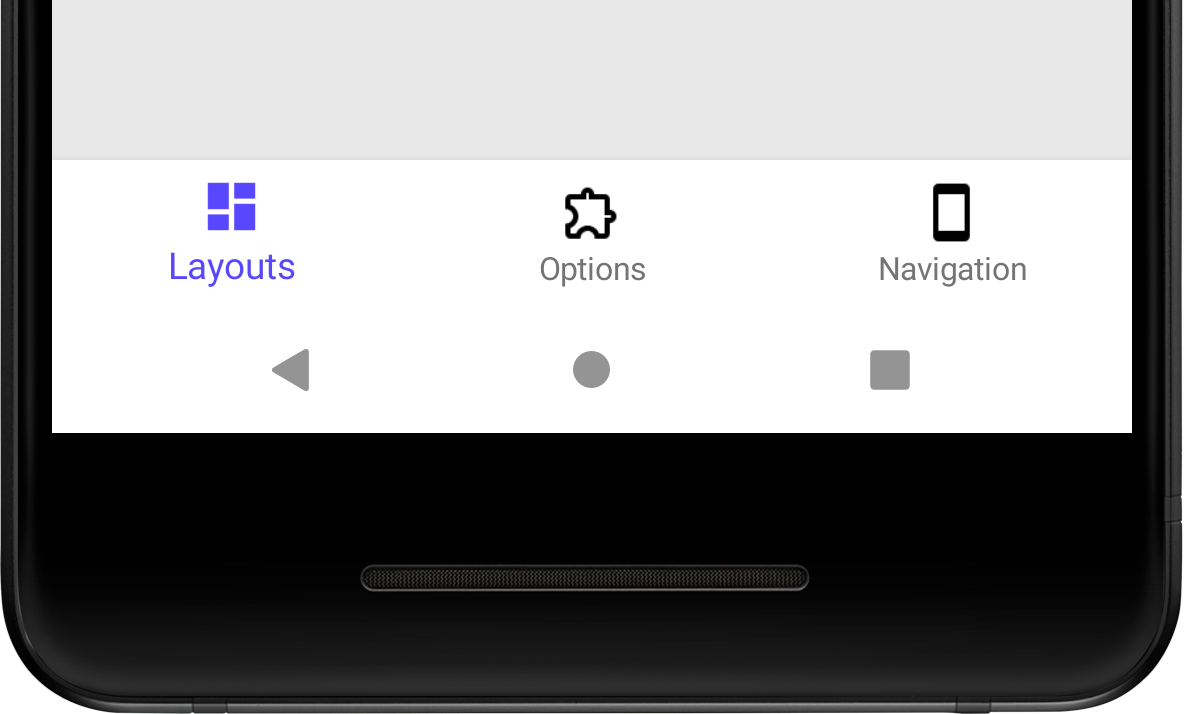
| Type | Required | Platform | Default |
|---|---|---|---|
| Color | No | Android | 'black' |
drawBehind#
Draw screen content behind the system navigation bar while keeping it visible (gesture pill / 3-button bar remain on screen). Use with edge-to-edge enabled in your activity. With backgroundColor: 'transparent', content shows through the nav bar area; with an opaque color, RNN paints a scrim overlay without reserving bottom layout inset.
| Type | Required | Platform |
|---|---|---|
| boolean | No | Android |